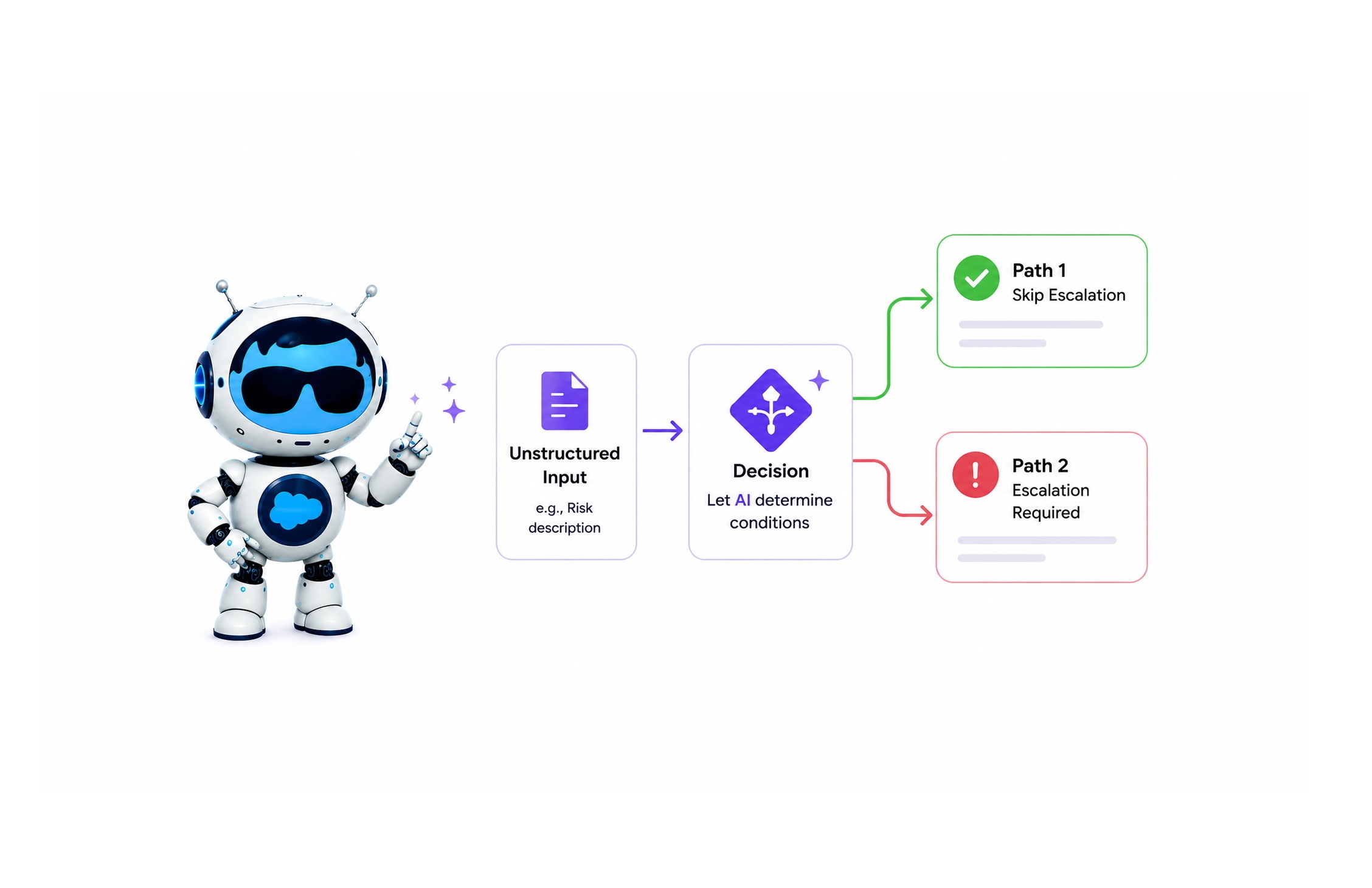
AI-Driven Conditions in the Flow Decision Element
How It works
In Salesforce Winter ‘26, there’s a Flow Decision element that lets AI determine the conditions.
The concept is simple: Instead of building your decision logic with fields and conditions, you describe the decision and each path using natural language.
Basically… mini prompts inside a Decision element. It’s fast to set up and actually useful when you’re dealing with unstructured data.
The video shows a working example routing project risk descriptions to either a “skip escalation” or “escalation required” path
See It Work
Before You Build
In this case, a Prompt Template may offer more visibility into what’s being asked, more flexibility in the logic, and the option to expose why a decision was made (which can increase adoption).
It’s important to be aware of what that decision with AI option actually does, when it makes sense to use it, and when it’s just not the right tool.
Limitations: not compatible with record-triggered flows, no model selection, and AI reasoning is only accessible in the debugger
Learning every Salesforce feature deeply is impossible. But staying current enough to understand the options is how you stop defaulting to whatever you “always used.”
Need help? Talk 1-1 with an AI Expert or take a look at our 4-Week AI Jumpstart >
