Accelerators
Automating Expenses with Slackbot
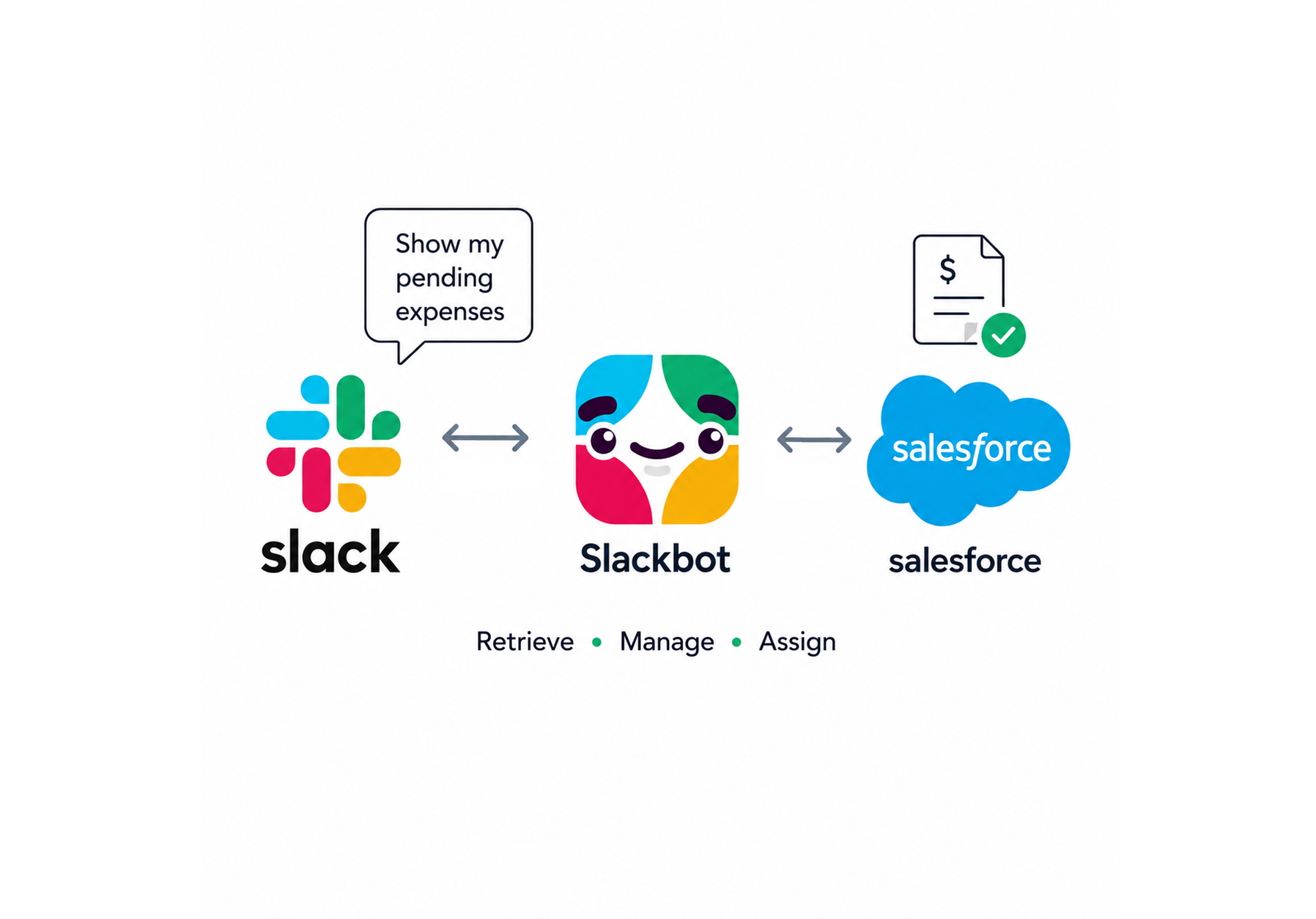
Managing expense reports doesn't have to mean endless manual data entry. This AI use case demo walks through a simple workflow that lets employees capture receipts on the go, automatically log them in Salesforce, and assign them to projects — all through a quick conversation with Slackbot.
How It Works
- Capture the Receipt — While traveling, simply take a photo of your receipt and email it to a designated address.
- Automatic Record Creation — Salesforce processes the emailed receipt using Agent Force, automatically creating an expense record in the system — no manual data entry required.
- Review Pending Expenses — Open Slack and ask the Slackbot to pull up your pending expenses. The bot retrieves the latest data directly from Salesforce and organizes expenses by project assignment status.
- Assign to a Project — Tell the Slackbot which expense to assign and to which project. The bot verifies the request against available project data, such as time cards, before confirming the update.
- Done — The expense is logged, assigned, and ready for approval — all without leaving Slack.
See this similar agent work with Claude.
See It Work
Start Building
You’ve seen what’s possible — now let’s find your starting point.
The hard part isn’t the technology, it’s knowing where to begin. Our 4-Week AI Jumpstart works with your team to identify the right use cases, build them, and get them live fast.
